Inspired by Mount Fuji at first light, this light theme rests on the soft coral-peach glow of dawn over snow white, then lifts it with sakura pink and a lakeside torii's vermilion. The calm dawn surface keeps long sessions easy on the eyes while the blossom accents mark what matters.
A light theme from the Codigrate Nature collection, released 2026-08-01. Tags: Sunrise, Pastel, Warm.
Sold on codigrate.com for $0.99, one payment, tax included: add it to your cart, pay with Stripe (cards, Apple Pay, Google Pay), and download the theme right away. No account needed. Personal licence; a digital download, so all sales are final (see the terms of sale).
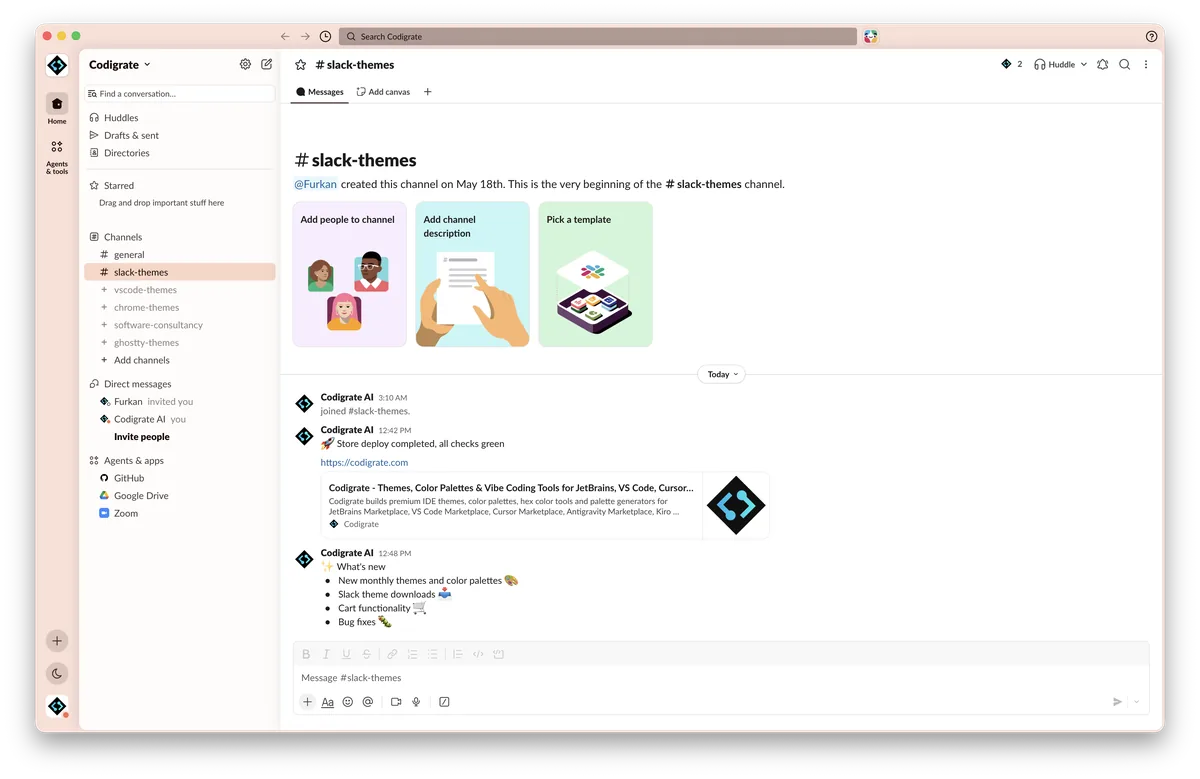
Getting started on Slack
- Download the zip with the Download button. Inside is a small text file with the theme's four colors on one line.
- Open the text file and copy that line.
- In Slack, open Preferences → Themes, scroll to the bottom and paste the line into the custom theme field.
- In Preferences → Appearance, choose Light or Dark mode to match the theme; in Dark mode, turn on Darker sidebars.
- If you switch between light and dark mode, restart Slack so the theme applies correctly.
- Slack applies the theme instantly across the workspace.
Fuji color palette
Every named color of the Fuji palette, free to download for MacOS, CorelDRAW and Figma.
Fuji on every platform
- Fuji for JetBrains
- Fuji for Xcode ($2.99)
- Fuji for Zed ($1.99)
- Fuji for Firefox ($1.99)
- Fuji for Sublime Text ($1.99)
- Fuji for MacOS Terminal ($1.99)
- Fuji for iTerm2 ($1.99)
- Fuji for Ghostty ($1.99)
- Fuji for Claude Code ($0.99)
- Fuji for Codex ($0.99)
- Fuji for OpenCode ($0.99)
- Fuji for Rhino ($1.99)
- Fuji for Slack ($0.99), this page
- Fuji for Line
From the blog
- Anatomy of a Light Theme: Fuji: Anatomy of Fuji, a light IDE theme: dawn peach and snow white for the frame, sakura rose keywords, mauve plum values and teal members, Mount Fuji at sunrise.