Inspired by Dublin on a bright morning, this light theme rests on a fresh park green base, then lights it with shamrock green and the orange of the autumn trees around the castle tower. The soft green surface keeps long sessions easy on the eyes while the green and orange accents mark what matters.
A light theme from the Codigrate Cities collection, released 2026-09-29. Tags: Forest, Fresh, Historic.
Sold on codigrate.com for
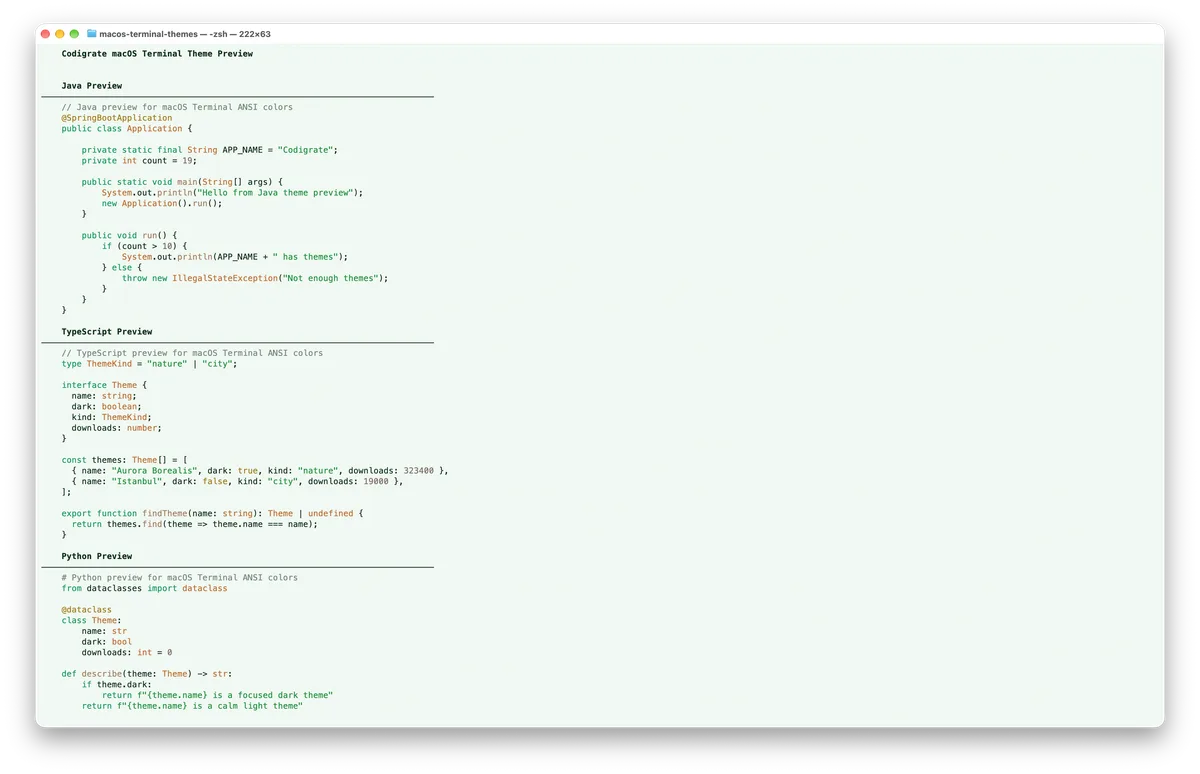
Getting started on MacOS Terminal
- Download the .terminal profile with the Download button.
- Double-click the downloaded file to import it into Terminal ( or, in Terminal, go to Settings → Profiles → the ⋯ menu → Import… and choose the file ).
- With the imported profile selected, click Default to set it as your default profile.
- Open a new Terminal window, and the theme is applied.
Dublin color palette
Every named color of the Dublin palette, free to download for MacOS, CorelDRAW and Figma.
Dublin on every platform
- Dublin for JetBrains
- Dublin for Sublime Text (
.99) - Dublin for MacOS Terminal (
.99), this page - Dublin for iTerm2 (
.99) - Dublin for Ghostty (
.99) - Dublin for Rhino (
.99) - Dublin for Slack ($0.99)