Inspired by the sunset over Mount Roraima and the slow turn from day to night on its tabletop summit, this theme blends deep brown and clay shadows with amber, gold, and salmon accents to create a soothing yet vivid coding environment. Dark, earthy backgrounds ground the editor, while soft violets and mineral yellows add contrast and focus to key syntax elements.
A dark theme from the Codigrate Nature collection, released 2023-10-08. Tags: Sunset, Mystical, Atmospheric.
A free download from codigrate.com under the MIT licence: add it to your cart, enter the e-mail address the download link goes to, and get the theme file with its install steps.
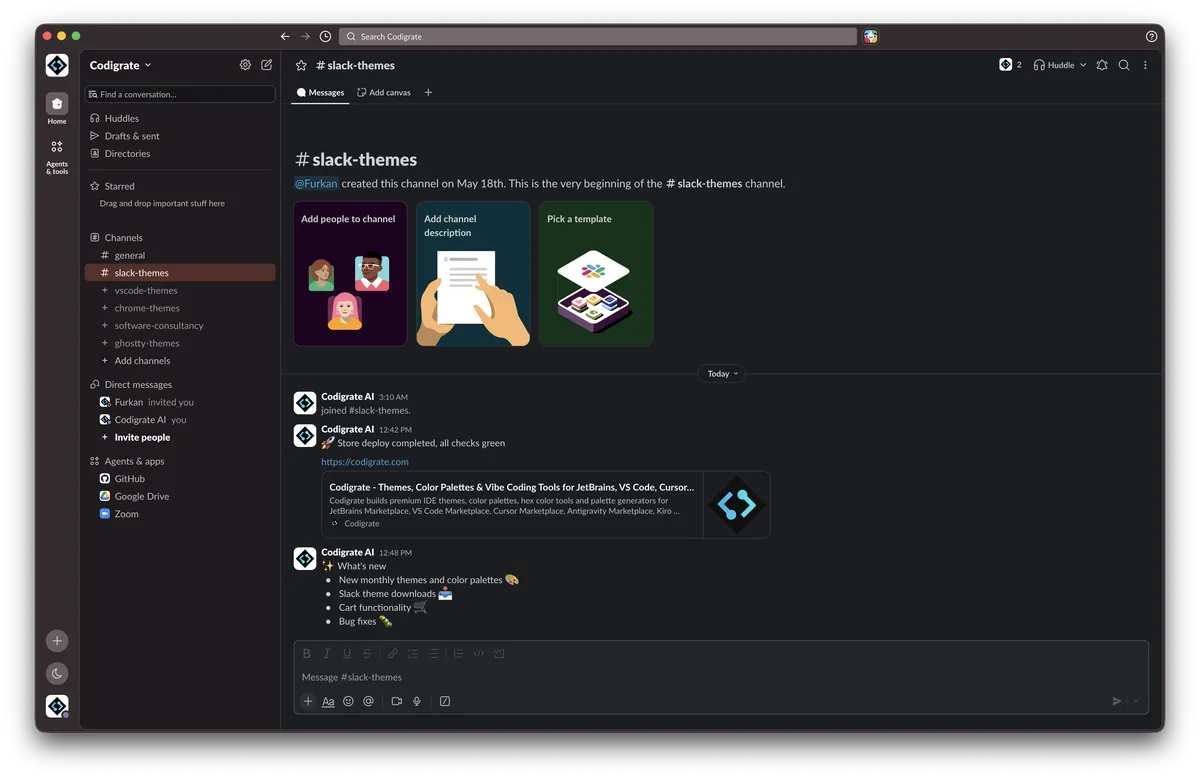
Getting started on Slack
- Download the zip with the Download button. Inside is a small text file with the theme's four colors on one line.
- Open the text file and copy that line.
- In Slack, open Preferences → Themes, scroll to the bottom and paste the line into the custom theme field.
- In Preferences → Appearance, choose Light or Dark mode to match the theme; in Dark mode, turn on Darker sidebars.
- If you switch between light and dark mode, restart Slack so the theme applies correctly.
- Slack applies the theme instantly across the workspace.
Roraima color palette
Every named color of the Roraima palette, free to download for MacOS, CorelDRAW and Figma.
Roraima on every platform
- Roraima for JetBrains (free)
- Roraima for Xcode ($2.99)
- Roraima for VS Code (free)
- Roraima for Chrome (free)
- Roraima for Firefox (free)
- Roraima for Open VSX (free)
- Roraima for Slack (free), this page
- Roraima for MacOS Terminal (free)
- Roraima for iTerm2 (free)
- Roraima for Ghostty (free)
- Roraima for Claude Code (free)
- Roraima for Codex (free)
- Roraima for OpenCode (free)
- Roraima for Rhino (free)
- Roraima for Zed (free)
- Roraima for Sublime Text (free)
- Roraima for Line
From the blog
- Anatomy of a Dark Theme: Roraima: Anatomy of Roraima, a dark IDE theme: a near black canyon at nightfall, lit by the oranges and golds of a Roraima sunset against cool twilight blues.