Inspired by Rio's lush hills, soft morning light, and ocean air, this theme blends airy minty backgrounds with confident rainforest greens and clean coastal blues. The editor stays bright and calm for long sessions, while crisp greens and balanced accents keep syntax readable and focused.
A light theme from the Codigrate Cities collection, released 2026-01-06. Tags: Tropical, Coastal, Energetic.
A free download from codigrate.com under the MIT licence: add it to your cart, enter the e-mail address the download link goes to, and get the theme file with its install steps.
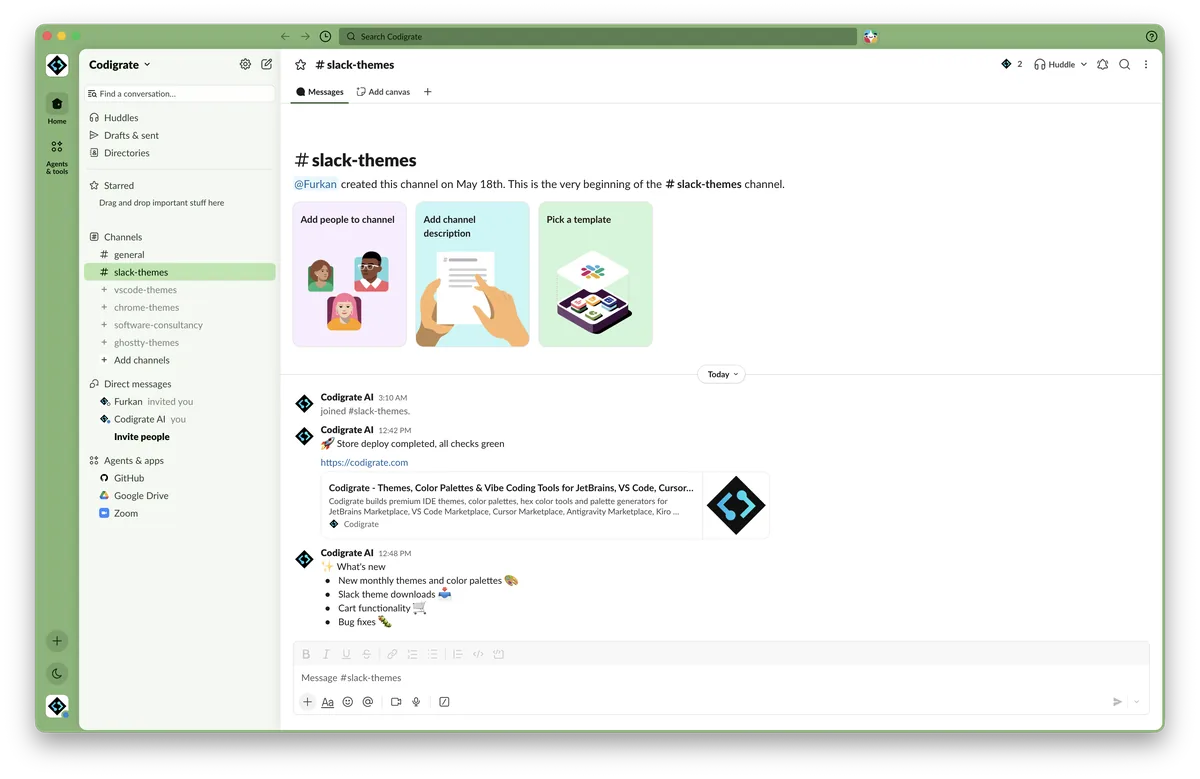
Getting started on Slack
- Download the zip with the Download button. Inside is a small text file with the theme's four colors on one line.
- Open the text file and copy that line.
- In Slack, open Preferences → Themes, scroll to the bottom and paste the line into the custom theme field.
- In Preferences → Appearance, choose Light or Dark mode to match the theme; in Dark mode, turn on Darker sidebars.
- If you switch between light and dark mode, restart Slack so the theme applies correctly.
- Slack applies the theme instantly across the workspace.
Rio de Janeiro color palette
Every named color of the Rio de Janeiro palette, free to download for MacOS, CorelDRAW and Figma.
Rio de Janeiro on every platform
- Rio de Janeiro for JetBrains (free)
- Rio de Janeiro for Xcode ($2.99)
- Rio de Janeiro for VS Code (free)
- Rio de Janeiro for Chrome (free)
- Rio de Janeiro for Firefox (free)
- Rio de Janeiro for Open VSX (free)
- Rio de Janeiro for Slack (free), this page
- Rio de Janeiro for MacOS Terminal (free)
- Rio de Janeiro for iTerm2 (free)
- Rio de Janeiro for Ghostty (free)
- Rio de Janeiro for Claude Code (free)
- Rio de Janeiro for Codex (free)
- Rio de Janeiro for OpenCode (free)
- Rio de Janeiro for Rhino (free)
- Rio de Janeiro for Zed (free)
- Rio de Janeiro for Sublime Text (free)
- Rio de Janeiro for Line
From the blog
- Anatomy of a Light Theme: Rio de Janeiro: Anatomy of Rio de Janeiro, a light IDE theme: minty morning backgrounds, a forest ink foreground, and syntax in rainforest green, bay blue and samba gold.