Inspired by the electric nights and pastel sunsets of Miami, this theme blends deep purples with vibrant neon accents to create a bold yet balanced coding environment. Dark, warm backgrounds ground the editor, while vivid pinks, corals, and tropical teals bring energy and clarity to key syntax elements.
A dark theme from the Codigrate Cities collection, released 2026-01-01. Tags: Neon, Tropical, Sunset.
A free download from codigrate.com under the MIT licence: add it to your cart, enter the e-mail address the download link goes to, and get the theme file with its install steps.
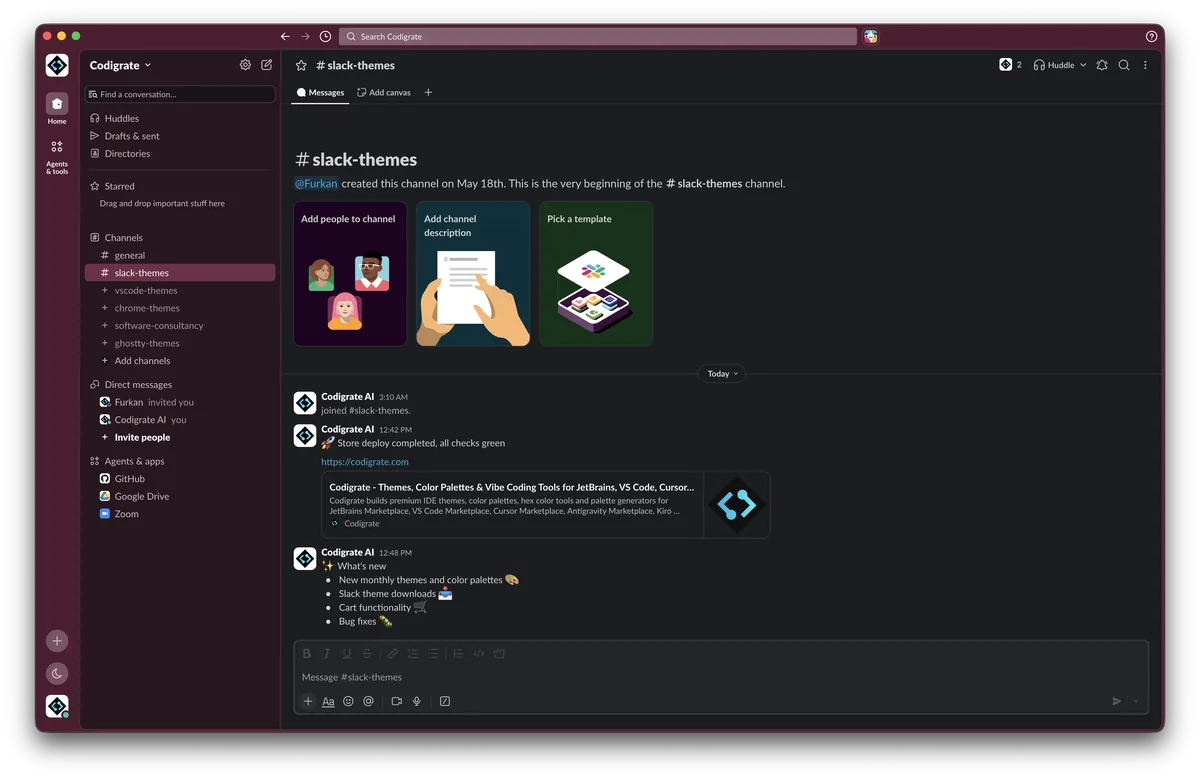
Getting started on Slack
- Download the zip with the Download button. Inside is a small text file with the theme's four colors on one line.
- Open the text file and copy that line.
- In Slack, open Preferences → Themes, scroll to the bottom and paste the line into the custom theme field.
- In Preferences → Appearance, choose Light or Dark mode to match the theme; in Dark mode, turn on Darker sidebars.
- If you switch between light and dark mode, restart Slack so the theme applies correctly.
- Slack applies the theme instantly across the workspace.
Miami color palette
Every named color of the Miami palette, free to download for MacOS, CorelDRAW and Figma.
Miami on every platform
- Miami for JetBrains (free)
- Miami for Xcode ($2.99)
- Miami for VS Code (free)
- Miami for Chrome (free)
- Miami for Firefox (free)
- Miami for Open VSX (free)
- Miami for Slack (free), this page
- Miami for MacOS Terminal (free)
- Miami for iTerm2 (free)
- Miami for Ghostty (free)
- Miami for Claude Code (free)
- Miami for Codex (free)
- Miami for OpenCode (free)
- Miami for Rhino (free)
- Miami for Zed (free)
- Miami for Sublime Text (free)
- Miami for Line
From the blog
- Anatomy of a Dark Theme: Miami: Anatomy of Miami, a dark IDE theme: a raspberry black editor lit by neon pink and sunset coral, cooled by electric aqua, palm green and an art deco blue.
- CMYK: How Four Inks Print Every Color: CMYK reads backwards from every screen model: you start on white paper and subtract light with ink. Why the black K exists, and why neon never quite prints.