Inspired by Prague's midnight river reflections, gothic silhouettes, and warm lamplight on old stone, this theme pairs deep cobalt-navy shadows with cool steel blues for a calm, cinematic coding mood. Rich surfaces and crisp selections keep focus sharp, while a bright sky-blue accent and subtle golden highlights add contrast across tabs, hovers, and search matches.
A dark theme from the Codigrate Cities collection, released 2026-02-04. Tags: Gothic, Historic, Timeless.
Sold on codigrate.com for
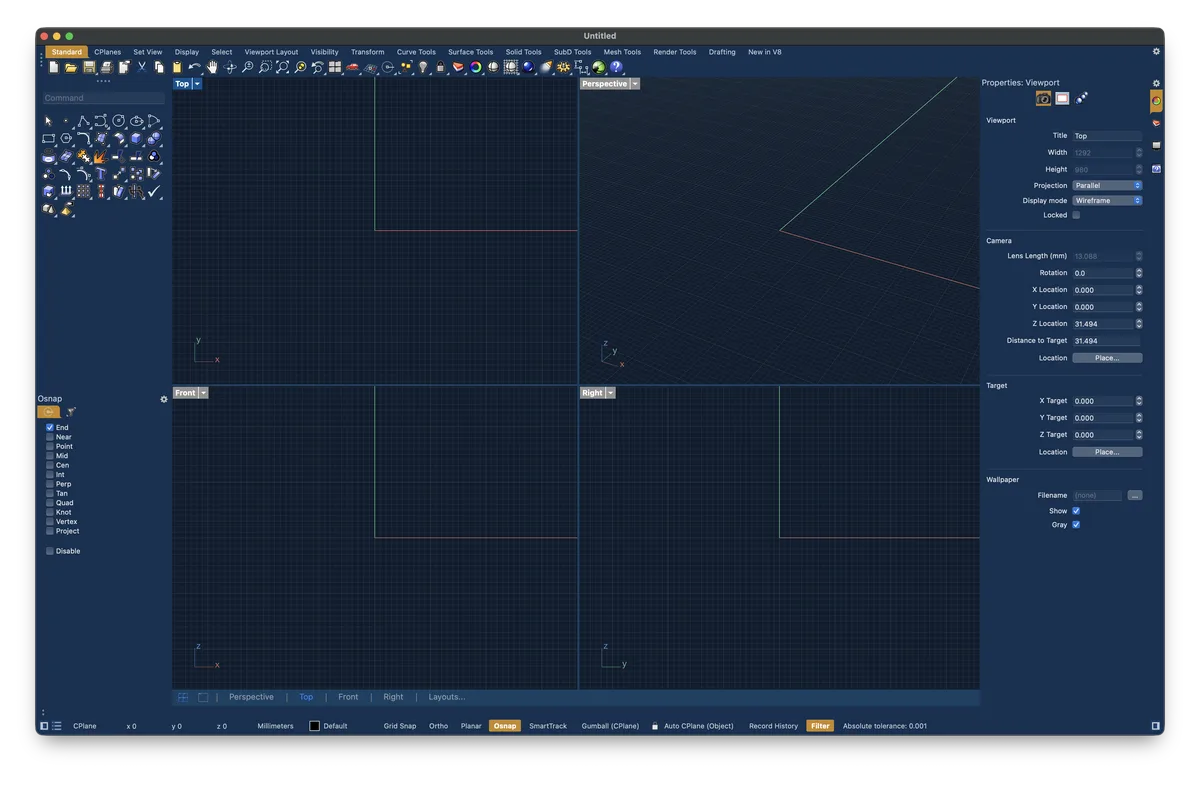
Getting started on Rhino
- Download the zip with the Download button. Inside are the Mac one-click app ( Codigrate <Name> Rhino Theme.app ) and the Windows color file ( Codigrate <Name>.ini ).
- On a Mac, double-click the app and confirm you want to open it. It closes Rhino, applies the full theme ( viewport, toolbars, panels, tabs ), matches your macOS light or dark appearance to the theme, and reopens Rhino. The app is signed and notarized by Apple, so macOS opens it without a warning.
- On Windows, run the OptionsImport command ( or Tools → Import Options… ) and choose the .ini file.
- Tick Appearance, Grid and UiPaintColors and click Apply; the viewport and the toolbar and tab colors update at once.
- Rhino draws a few controls with the system appearance, so keep Windows in light mode for a light theme and dark mode for a dark theme.
Prague color palette
Every named color of the Prague palette, free to download for MacOS, CorelDRAW and Figma.
Prague on every platform
- Prague for JetBrains
- Prague for Xcode ($2.99)
- Prague for Zed (
.99) - Prague for Sublime Text (
.99) - Prague for MacOS Terminal (
.99) - Prague for iTerm2 (
.99) - Prague for Ghostty (
.99) - Prague for Rhino (
.99), this page - Prague for Slack ($0.99)
- Prague for Line
From the blog
- Anatomy of a Dark Theme: Prague: Anatomy of Prague, a dark IDE theme: deep Vltava blues for the frame and the keywords, lit by gas lamp amber, rooftop copper and straw gold.